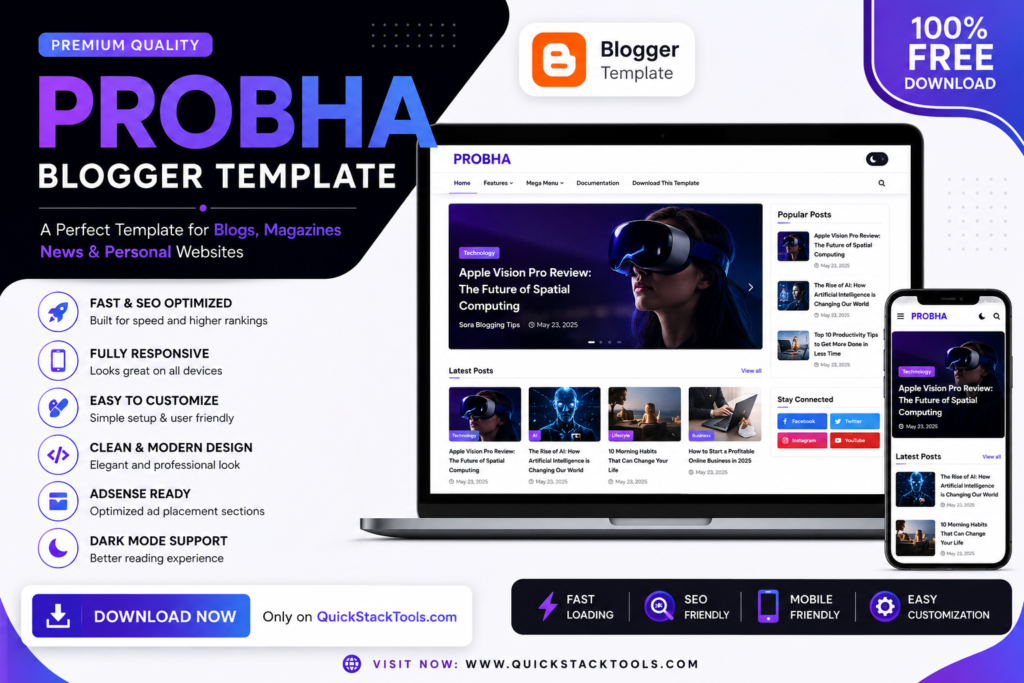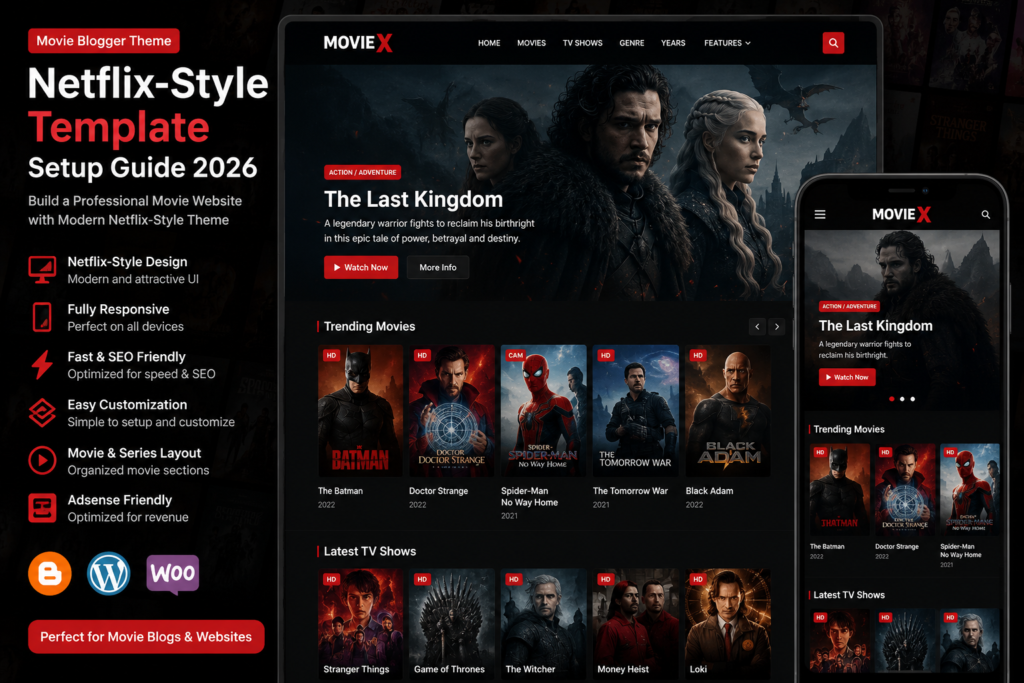
The Zaap Portfolio Blogger Template is a modern, responsive, and SEO-friendly Blogger theme designed for freelancers, designers, developers, photographers, digital agencies, and creative professionals. If you want to create a professional online portfolio without using WordPress, this template offers an excellent combination of speed, customization, and clean design.
In this guide, you’ll learn about the Zaap Portfolio Blogger Template, its features, installation process, customization options, SEO benefits, and where to download the original template.
If you’re looking for more Blogger themes, explore our Free Blogger Templates, Responsive Blogger Templates, Portfolio Blogger Templates, Magazine Blogger Templates, and Best Blogger Templates 2026 on QuickStackTools.
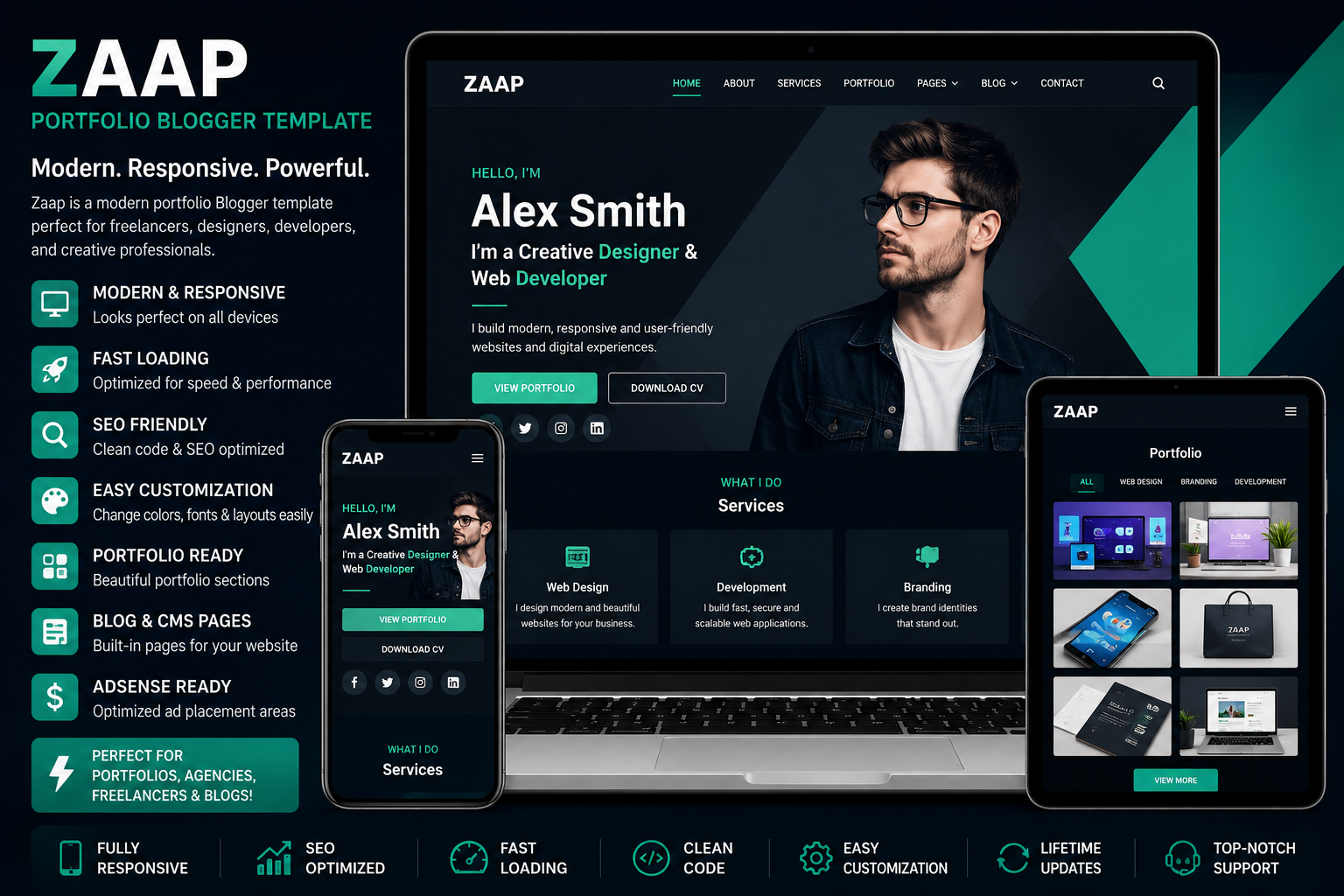
Why Choose Zaap Portfolio Blogger Template?
A portfolio website helps showcase your work, skills, and services professionally. The Zaap Portfolio Blogger Template is built with modern coding standards and provides an attractive layout that works perfectly on desktops, tablets, and smartphones.
Key Benefits
- Fully Responsive Design
- SEO-Friendly Structure
- Fast Loading Performance
- Mobile-Friendly Layout
- Clean & Professional Design
- AdSense Ready
- Portfolio Gallery
- Blog Support
- Easy Customization
- Social Media Integration
Main Features
Responsive Design
The template automatically adapts to desktops, laptops, tablets, and mobile devices, ensuring a smooth browsing experience.
SEO Optimized
Clean HTML structure and optimized code help search engines crawl your website efficiently.
Fast Loading
Lightweight coding improves website speed and Core Web Vitals, creating a better user experience.
Portfolio Sections
Display your latest projects, case studies, services, client testimonials, and achievements in a professional layout.
Easy Customization
Customize:
- Logo
- Colors
- Fonts
- Navigation Menu
- Homepage Sections
- Portfolio Gallery
- Contact Information
- Footer
- Social Media Icons
without advanced coding knowledge.
Who Should Use This Template?
The Zaap Portfolio Blogger Template is ideal for:
- Freelancers
- Graphic Designers
- Web Developers
- UI/UX Designers
- Digital Marketers
- Photographers
- Creative Agencies
- Personal Portfolio Websites
- Content Creators
- Small Businesses
How to Install Zaap Portfolio Blogger Template
Installing the template is simple.
Step 1
Download the template ZIP file.
Step 2
Extract the ZIP file.
Step 3
Locate the XML template file.
Step 4
Open:
Blogger Dashboard → Theme
Step 5
Click:
Restore → Upload XML File
Step 6
Refresh your website and confirm that all sections are displayed correctly.
Customize Your Portfolio Website
After installation, personalize your website by updating:
- Website Logo
- Homepage Banner
- About Section
- Portfolio Gallery
- Services
- Skills
- Testimonials
- Contact Form
- Social Media Links
- Footer
A customized portfolio creates a stronger first impression and improves visitor engagement.
SEO Tips
To improve your rankings after installing the template:
- Publish high-quality, original content.
- Optimize images with descriptive ALT text.
- Use SEO-friendly URLs.
- Add internal links to related articles.
- Link to trusted external resources.
- Compress images before uploading.
- Submit your sitemap to Google Search Console.
- Test your website with Google PageSpeed Insights.
- Enable HTTPS.
Download Zaap Portfolio Blogger Template
If you want the original Zaap Portfolio Blogger Template, download it from ProTemplates.in. After downloading, return to QuickStackTools to follow our installation guides, Blogger tutorials, and SEO optimization articles.
Frequently Asked Questions
Is Zaap Portfolio Blogger Template free?Some versions are available for free, while premium versions include extra features, layouts, and support.
Is the template SEO-friendly?
Yes. It includes responsive design, SEO-friendly coding, fast loading performance, and mobile optimization.
Where can I download Zaap Portfolio Blogger Template?
You can download the original template from ProTemplates.in. For installation tutorials, customization guides, and Blogger resources, visit QuickStackTools.
Final Thoughts
The Zaap Portfolio Blogger Template is an excellent solution for anyone who wants to create a professional portfolio website using Blogger. Its responsive design, modern appearance, SEO-friendly structure, and easy customization make it suitable for freelancers, agencies, designers, developers, and creative professionals. By combining this template with quality content and proper SEO practices, you can build a fast, attractive, and search-engine-friendly portfolio website.