Free Password Generator: Create Strong & Secure Passwords Online
A Strong Password Generator is one of the most effective tools for improving online security. In today’s digital world, millions of accounts are targeted by hackers every day. Creating strong and unique passwords helps protect personal information, banking details, social media accounts, and business data from unauthorized access.
What Is a Password Generator?
A Password Generator is an online tool that creates random, strong, and secure passwords. Instead of using weak passwords such as birthdays, names, or simple number combinations, users can generate complex passwords containing uppercase letters, lowercase letters, numbers, and special characters.
If you frequently use online tools, you may also find our Meta Tag Generator helpful for improving website SEO and our Case Converter useful for formatting text quickly.
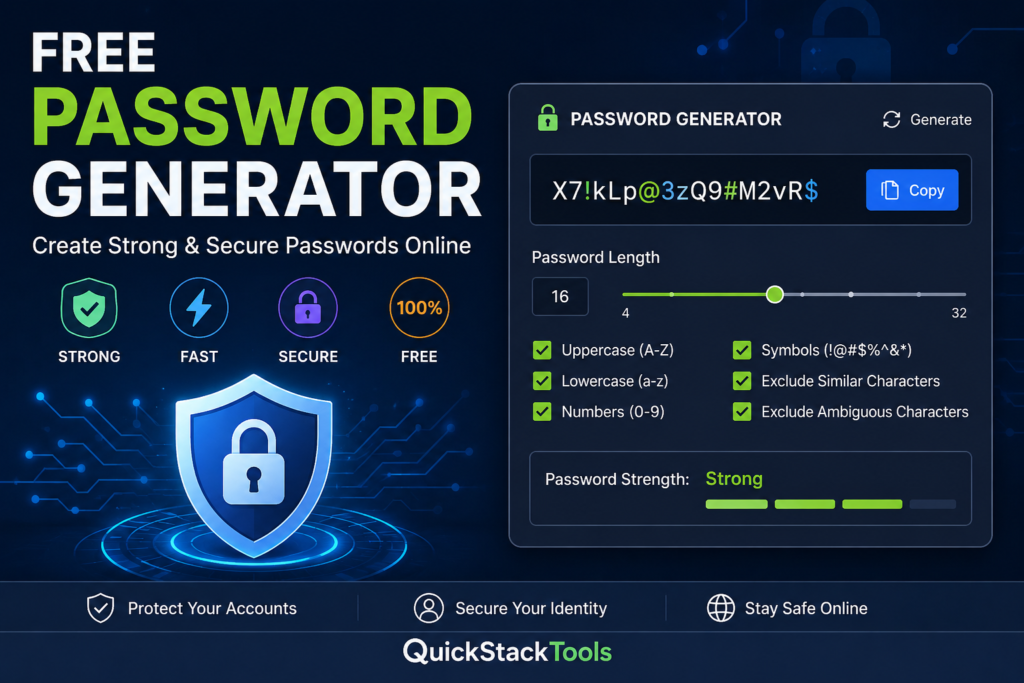
Why Strong Passwords Matter
Weak passwords are one of the leading causes of account breaches. Cybercriminals often use automated tools to guess passwords within seconds. A strong password makes it significantly harder for attackers to gain access to your accounts.
According to the NIST Password Guidelines (https://www.nist.gov), users should create long and unique passwords instead of relying on simple combinations that are easy to remember.
Features of a Secure Password Generator
Random Password Creation
A random password is difficult to predict, making it far more secure than manually created passwords.
Custom Password Length
Security experts recommend using passwords that are at least 12–16 characters long.
Special Characters Support
Including symbols such as @, #, $, %, and & increases password complexity.
Uppercase and Lowercase Letters
Mixing letter cases improves password strength and reduces vulnerability to brute-force attacks
Numeric Characters
Adding numbers makes passwords more difficult to crack.
Benefits of Using an Online Password Generator
Improved Security
Strong passwords provide better protection against cyber threats and data breaches.
Faster Password Creation
Instead of thinking of a password manually, users can generate one instantly.
Unique Passwords for Every Account
Using different passwords for different accounts minimizes security risks.
Better Privacy Protection
Strong passwords help protect sensitive information from unauthorized access.
If you’re managing websites, you can also use our QR Code Generator to create shareable QR codes and our Word Counter to optimize content length for SEO.
Best Practices for Password Security
To maximize account security, follow these recommendations:
- Use at least 12 characters.
- Include uppercase and lowercase letters.
- Add numbers and symbols.
- Avoid personal information.
- Never reuse passwords across websites.
- Use a password manager whenever possible.
The Cybersecurity and Infrastructure Security Agency (https://www.cisa.gov) also recommends enabling multi-factor authentication for additional protection.
Common Password Mistakes
Many users unknowingly weaken their security by:
- Using “123456” or “password”
- Reusing passwords
- Creating short passwords
- Including personal details
- Avoiding special characters
A strong password generator eliminates these common mistakes by automatically creating secure passwords.
Why Choose QuickStackTools Password Generator?
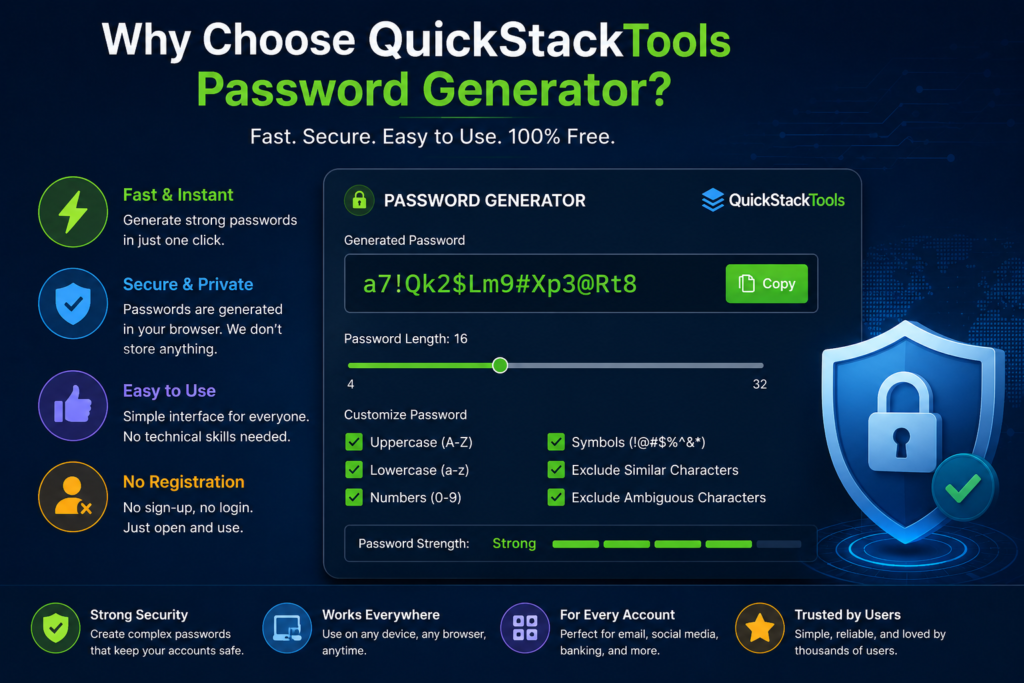
The QuickStackTools Password Generator is designed to be fast, secure, and easy to use. No registration is required, and passwords are generated instantly within your browser.
Whether you need a password for email accounts, social media, online banking, or business applications, our tool can help you create strong and secure passwords in seconds.
For additional security recommendations, you can review the password security resources available from OWASP (https://owasp.org).
Final Thoughts
Creating strong passwords should be a priority for every internet user. A Password Generator removes the guesswork and helps users create secure, random, and unique passwords instantly.
Start using the QuickStackTools Password Generator today and take an important step toward protecting your online accounts and personal information.