Image Compressor: Compress Images Online Without Losing Quality
An Online Image Compression Tool helps reduce image file sizes without losing quality. Whether you manage a website, blog, eCommerce store, or social media page, an Online Image Compression Tool can improve page speed, save storage space, and enhance user experience. Using an Online Image Compression Tool before uploading images can also help improve SEO performance and website loading times.
What Is an Image Compressor?
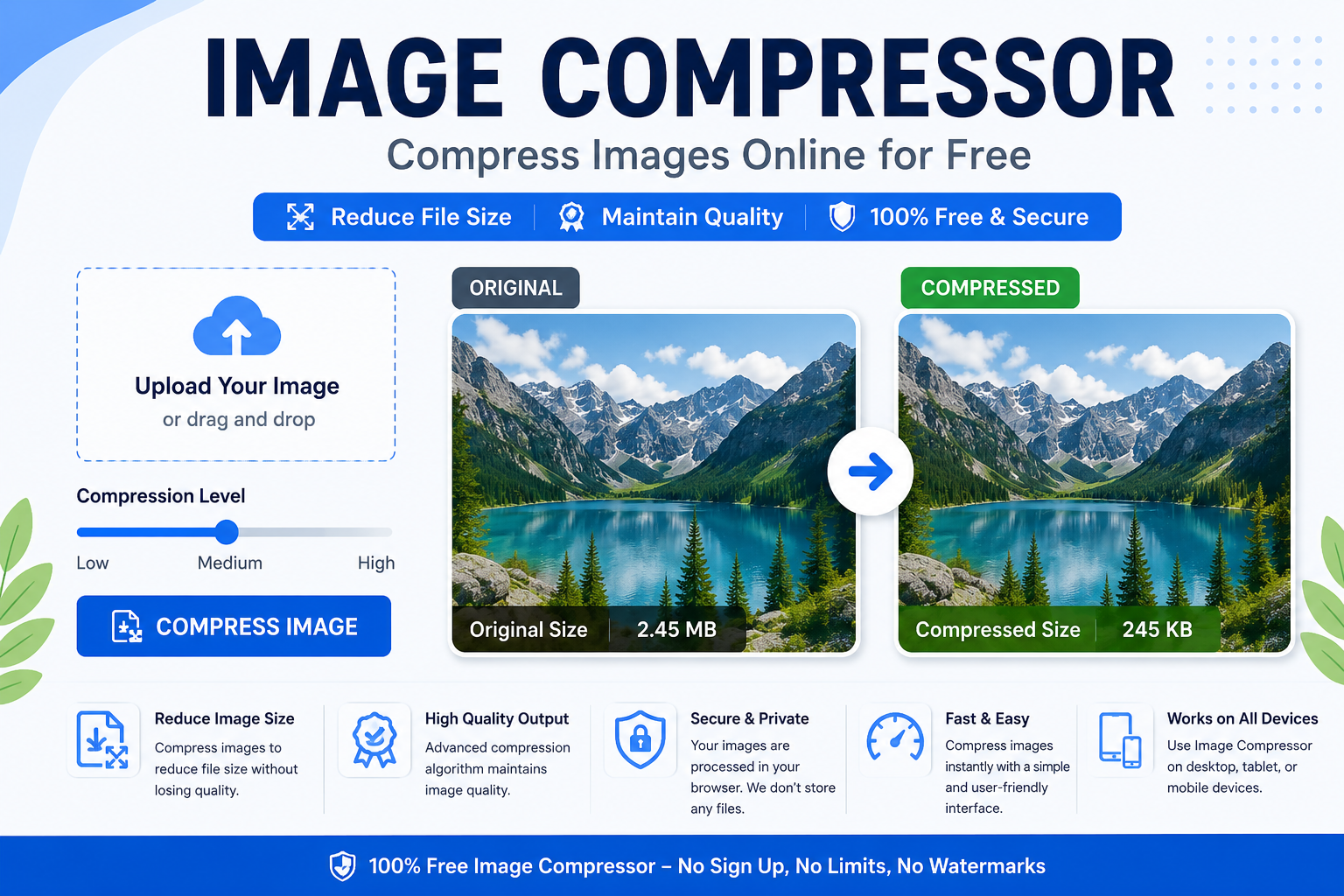
An Image Compressor is an online tool that reduces the file size of images without significantly affecting their quality. Compression removes unnecessary data from image files, making them smaller and easier to store, upload, and share.
Popular image formats that can be compressed include:
- JPEG
- PNG
- WEBP
- GIF
If you regularly work with images, you may also find our Image Resizer useful for adjusting image dimensions before uploading them online.
Why Image Compression Matters
Large images consume more bandwidth and take longer to load. This can negatively affect website performance and search engine rankings.
Faster Website Speed
Compressed images load faster, improving the overall user experience.
Better SEO Performance
Search engines prefer fast-loading websites. Optimized images can contribute to improved rankings in search results.
Reduced Storage Requirements
Smaller image files require less storage space on servers and devices.
Improved Mobile Experience
Mobile users benefit from faster loading times and reduced data usage.
According to Google’s PageSpeed recommendations, optimizing images is one of the most effective ways to improve website performance. https://developers.google.com/speed
Benefits of Using an Online Image Compressor
Compress Images Without Losing Quality
Modern compression techniques reduce file size while preserving image clarity.
Easy to Use
Most online image compressors require only a few clicks.
Supports Multiple Formats
Users can compress JPEG, PNG, WEBP, and other image formats.
Ideal for Social Media
Compressed images upload faster to platforms like Facebook, Instagram, and LinkedIn.
Best Practices for Image Optimization
To get the best results from image compression, follow these tips:
- Choose the correct image format.
- Compress images before uploading.
- Resize oversized images.
- Use modern formats like WEBP.
- Optimize images for mobile devices.
You can also review Google’s image optimization guidelines for additional recommendations. https://web.dev/fast
Why Use QuickStackTools Image Compressor?
The QuickStackTools Image Compressor is designed to help users compress images quickly and securely. No software installation is required, and files can be optimized directly in the browser.
Key benefits include:
- Fast image compression
- User-friendly interface
- Support for multiple image formats
- No registration required
- Secure image processing
Related Tools
- https://quickstacktools.com/image-resizer/
- https://quickstacktools.com/image-cropper/
- https://quickstacktools.com/color-picker/
- https://quickstacktools.com/qr-code-generator/
- https://quickstacktools.com/password-generator/
Common Image Compression Mistakes
Many users make mistakes that reduce image quality or limit performance benefits.
Over-Compressing Images
Excessive compression can create visible quality loss.
Using Incorrect File Formats
Choosing the wrong format may result in larger file sizes.
Ignoring Mobile Optimization
Images should be optimized for both desktop and mobile devices.
Final Thoughts
An Image Compressor is an essential tool for improving website speed, SEO performance, and user experience. By reducing image file sizes without sacrificing quality, you can create faster websites, improve search engine visibility, and provide a better experience for visitors.
Start using the QuickStackTools Image Compressor today and optimize your images for better web performance.